

Blog
Product updates, guides and stories from the cheso team.
From Vibe Coding to Vibe Video: Introducing Cheso's AI Video Generator

How to Create an AI Research Report in HTML with Cheso
Recent posts
Trick or Fit? I Made a Halloween Costume Quiz with Cheso
I made a Halloween costume quiz with Cheso, from brainstorming the idea to creating an HTML webpage and refining the questions and design.
From Vibe Coding to Vibe Video: Introducing Cheso's AI Video Generator
Create animated videos with Cheso's AI video generator: turn a brief and brand assets into scenes, then refine the motion, pacing, and background music.
How to Create an AI Research Report in HTML with Cheso
Create an AI research report with Cheso, then turn it into an HTML report with clear navigation, interactive charts, and source references.

How to Make a Campus Event Poster with Cheso
Create a campus event poster with Cheso, from brainstorming and AI-generated food visuals to a polished design with clear event details.
Cheso Can Now Turn Notes into Videos!
Turn study notes and class handouts into slides, then narrated educational videos you can replay and share—all in one Cheso conversation.
Financial Report Analysis: From Report to Presentation with Cheso
Learn how to analyze a financial report with Cheso, refine the findings for investors, and turn them into an editable PowerPoint presentation.
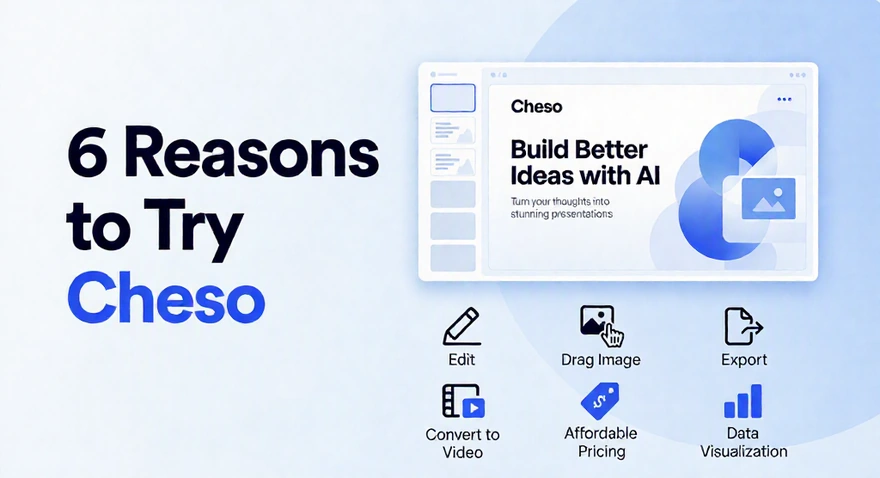
Perhaps One of the Best AI Presentation Makers? 6 Reasons to Try Cheso
Explore six reasons to try Cheso for AI presentations: direct text and image editing, data visualization, flexible exports, narrated videos, and credit options.

How to Create a Promotional Poster with AI (and Make It Look Actually Good)
Turn a café menu, food photos, brand assets, and a promotion brief into a designed Christmas poster with Cheso — then refine the individual details without starting the whole thing over.
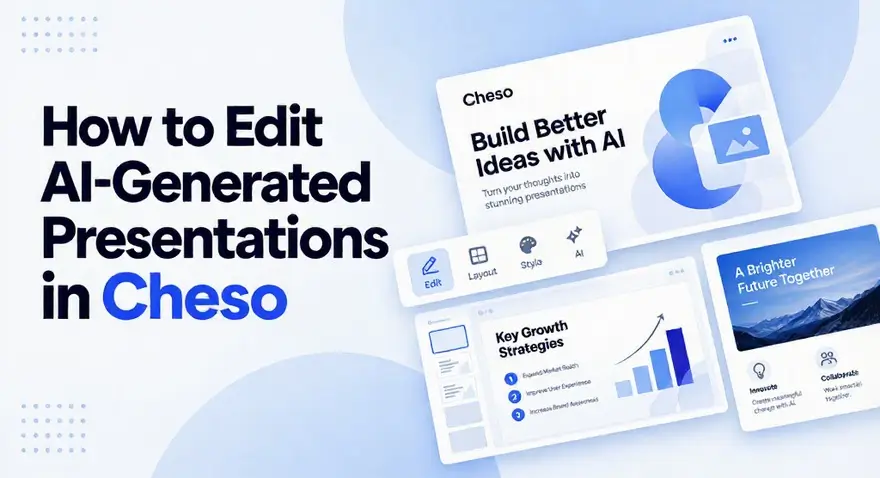
How to Edit AI-Generated Presentations in Cheso (Without Starting Over)
Learn three ways to edit an AI-generated presentation in Cheso — precise manual editing for exact changes, selected-area AI Edit for local visual revisions, and Quote and Edit for context-aware updates — without regenerating the whole deck.
How to Make AI Presentations Less Generic (8 Ways)
Learn eight ways to make AI presentations less generic by grounding slides in source material, improving the story, generating a first draft, refining weak pages, and exporting an editable deck.
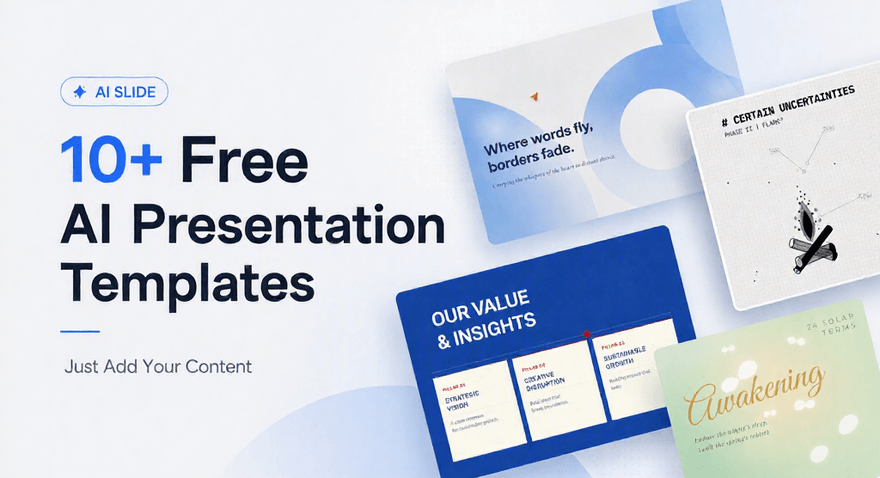
10+ Free AI Presentation Templates — Just Add Your Content
Pick a free, watermark-free AI presentation template and get a deck with your own content in about three minutes. 130 ready-made topic ideas across business, creative, education, and pitch & proposal templates.