
10+ Free AI Presentation Templates — Just Add Your Content
Pick a free, watermark-free AI presentation template and get a deck with your own content in about three minutes. 130 ready-made topic ideas across business, creative, education, and pitch & proposal templates.
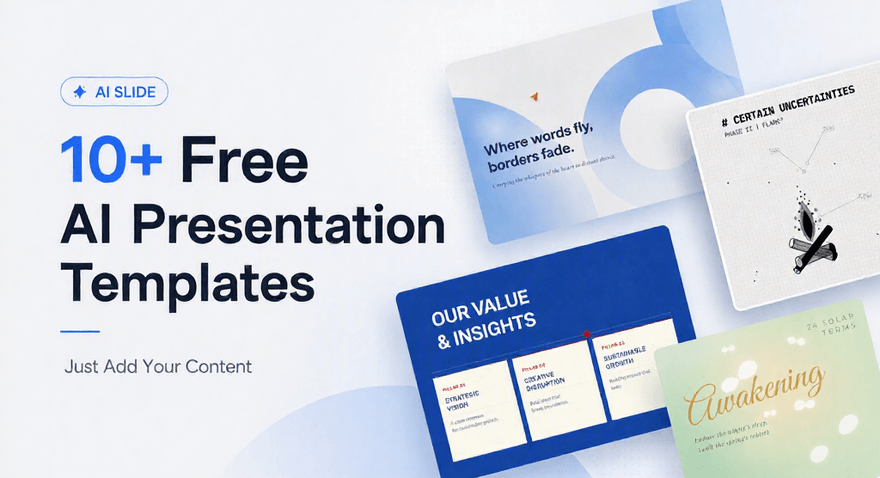
Every template on this page can be used two ways: take the template and fill it in yourself, or let the AI fill it in for you.
Pick a template, tell Cheso what your presentation is about — "Q3 review for the marketing team, focus on campaign performance and next quarter's budget" — and it writes and lays out the slides inside that design. About three minutes later you have a deck with your own content in it, not an empty template.
If you'd rather just grab the template and write it yourself, that works too.
Under every template below you'll also find 10 ready-made topic ideas — so if you know you need a QBR but haven't decided what to focus on, you can start from one of those instead of a blank page. 130 topics in total across the four categories.
Every template on this page is:
- Free — no upgrade to download, no credit card
- Watermark-free — nothing to remove before you present
- Fully editable — in the browser, and after you export to PowerPoint
- Exportable — PPTX with live layers, PDF, or HTML
Jump to what you need: business · creative · education · pitch & proposal
How these templates work
Three steps, about three minutes.
- Pick a template. Click "Use this template" on any card below. It opens Cheso with that design already selected.
- Describe your presentation. One line is enough — "Q3 business review for the marketing team, focus on campaign performance and next quarter's budget." If you already have material — a doc, a rough outline, a spreadsheet — drop that in instead. More input means less editing later.
- Edit and export. Change anything: rewrite a headline with an AI instruction, swap an image, regenerate a single page, add a slide. Then export to PowerPoint, PDF, or HTML.
One thing worth knowing: the fastest route to a finished deck isn't a clever one-line prompt — it's a messy outline. Paste in your bullet points, even half-formed ones, and note where you want a chart or a diagram. You're writing a design brief, not content. Ten minutes of outline saves thirty minutes of fixing slides.
Business presentation templates — reports, reviews, and internal updates
The decks you make on a deadline, usually for people who've seen a hundred like it. These prioritize a clear structure and readable data over decoration.
| name | template |
|---|---|
| klein blue | 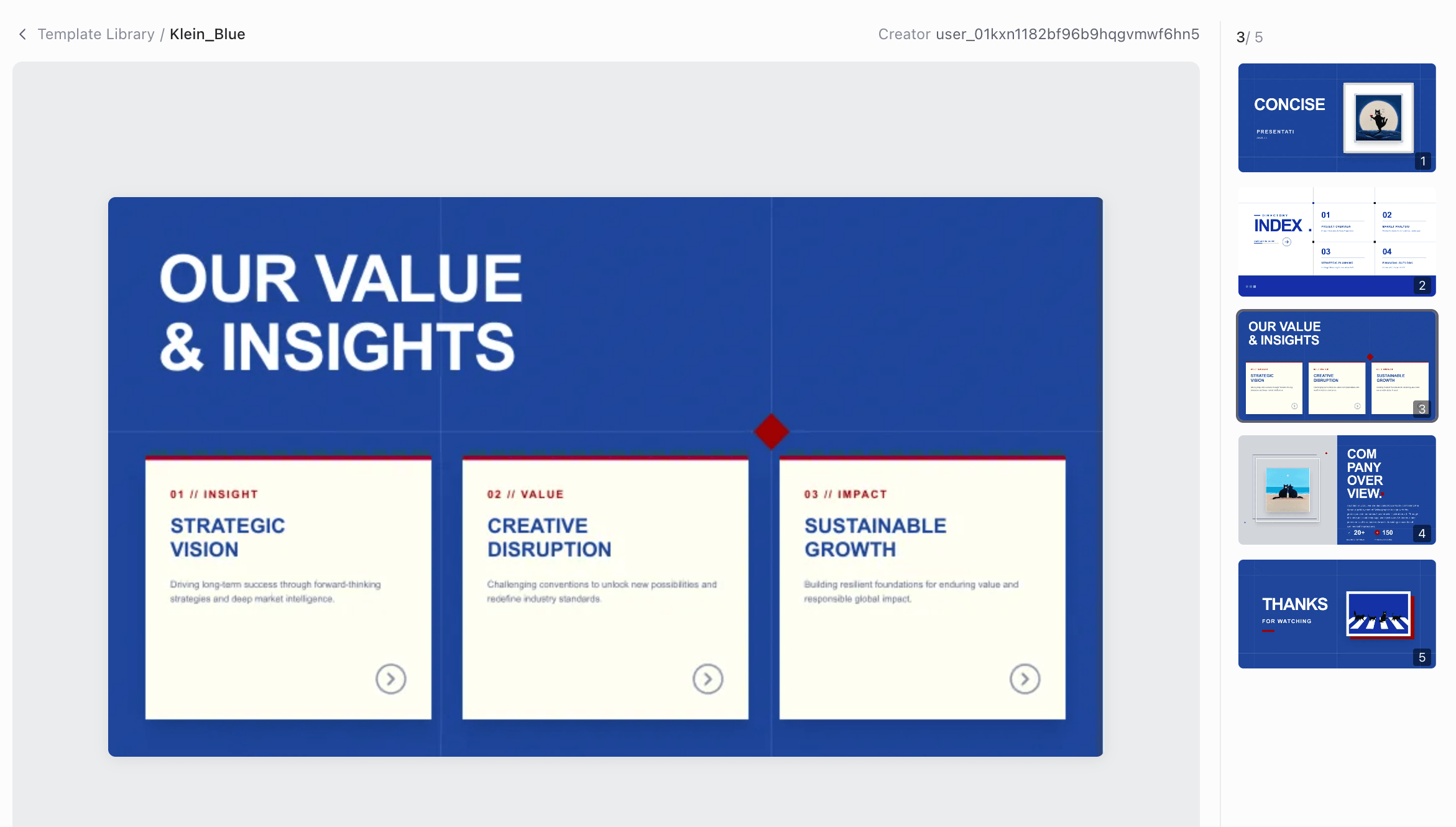 |
| lunar noir | 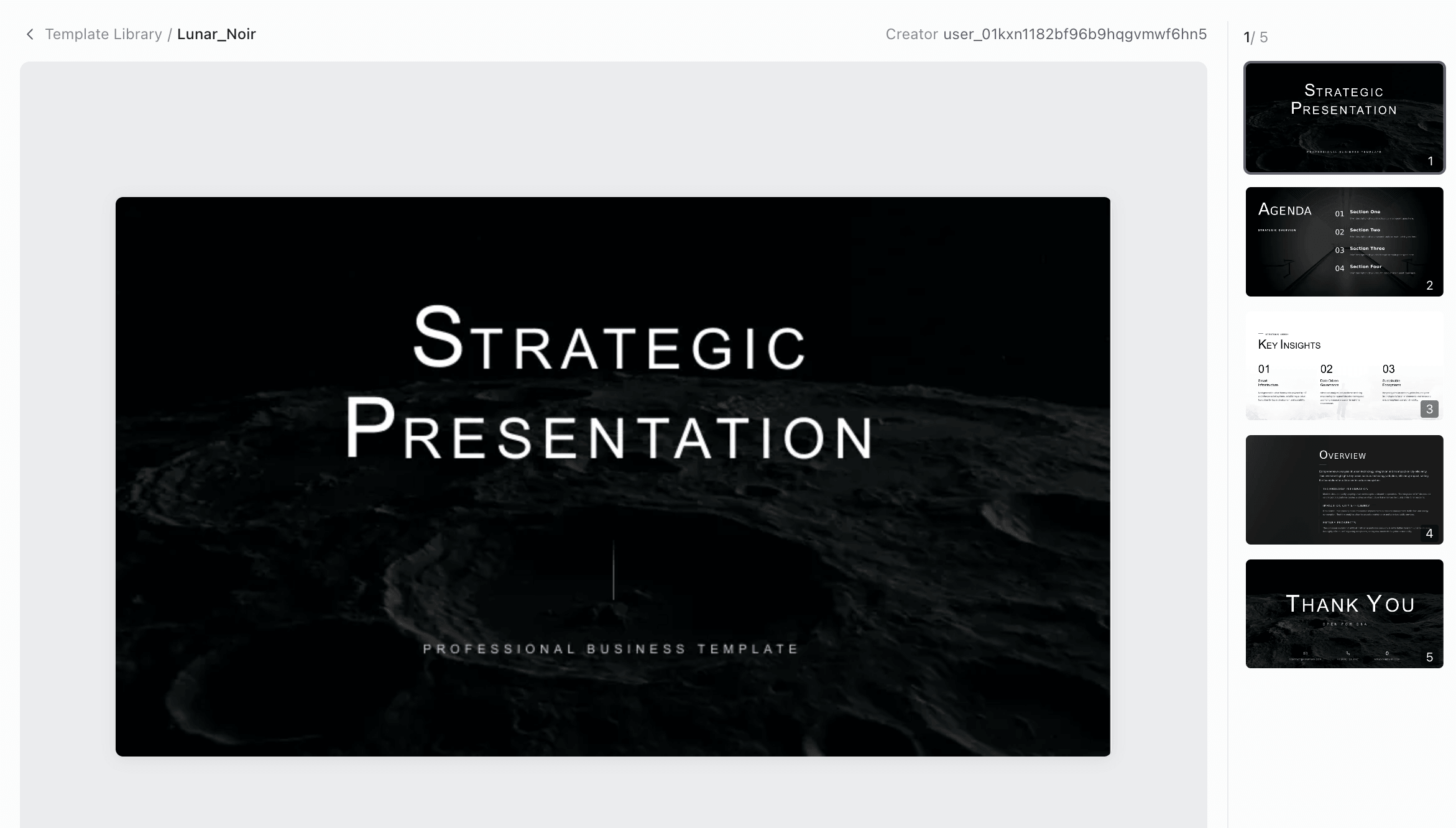 |
| strategic business | 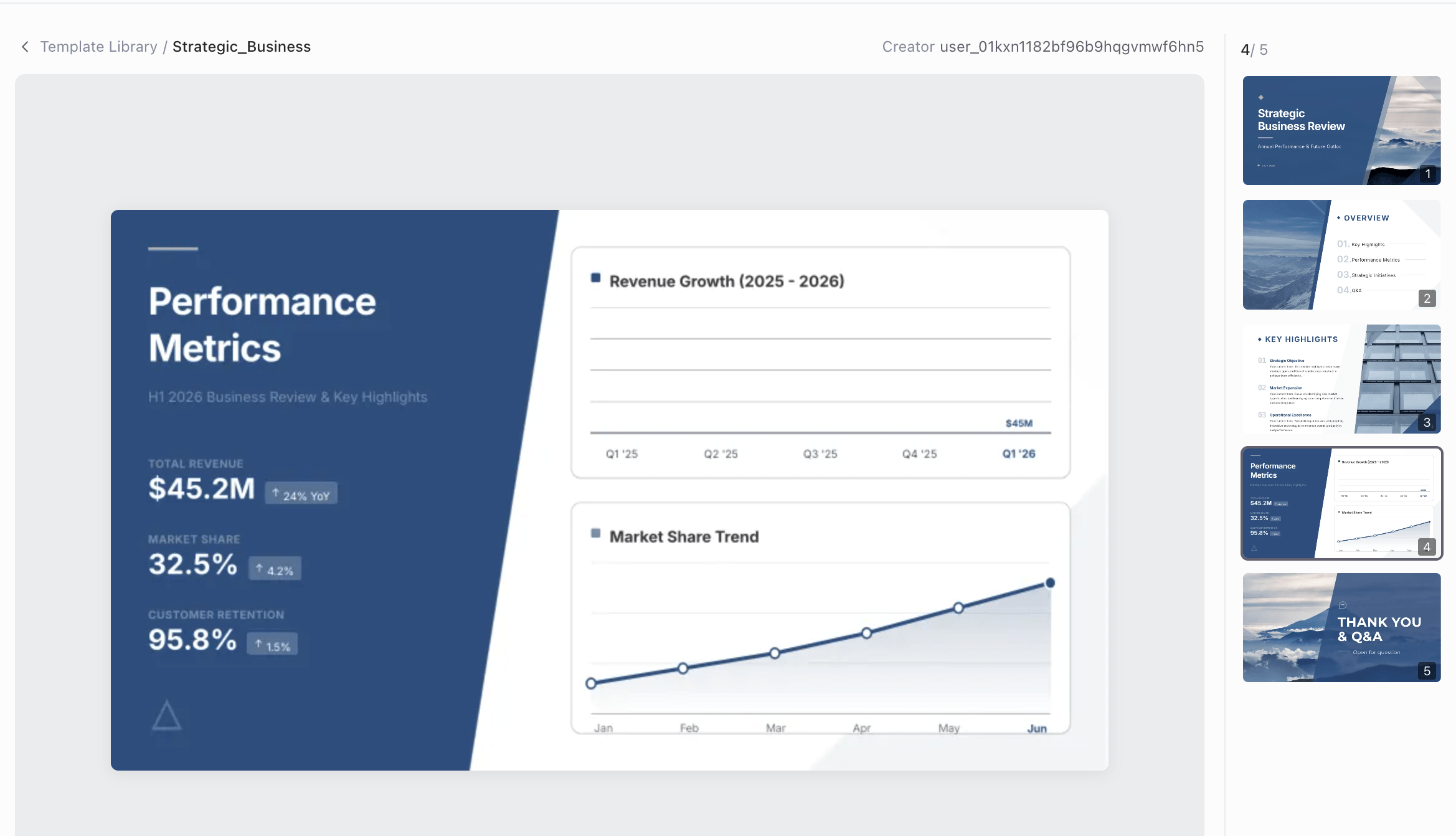 |
| formalis | 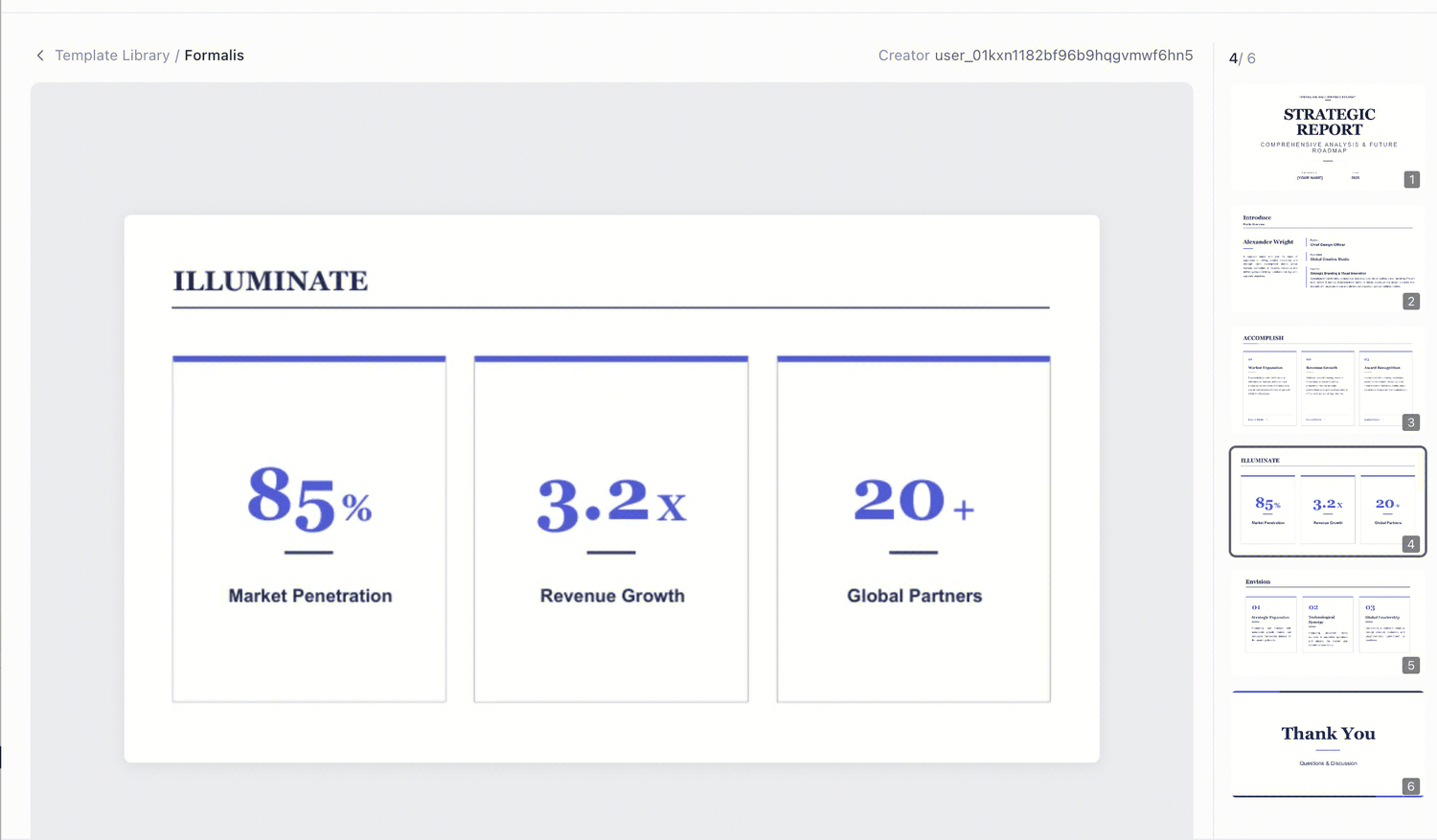 |
Quarterly Business Review (QBR) Template
For end-of-quarter reporting to leadership or clients. Covers performance against targets, wins and misses, key metrics, and next-quarter priorities. Built to hold real numbers — charts are generated from your actual data.
Best for: team leads, account managers, department heads Use this template →
10 QBR presentation topics to start from:
| Topic | What to cover |
|---|---|
| Q3 revenue performance vs target | Actuals against forecast, and what moved the gap |
| Customer churn analysis this quarter | Churn rate, reasons, and the accounts at risk |
| Sales pipeline health review | Stage-by-stage conversion and deal velocity |
| Marketing spend efficiency by channel | Cost per acquisition across each channel |
| Product roadmap progress update | What shipped, what slipped, and why |
| Customer support metrics review | Response time, resolution rate, satisfaction score |
| Team headcount and hiring plan | Current capacity against planned growth |
| Top five accounts by revenue | Account health and expansion opportunities |
| Competitive landscape shifts | What changed in the market this quarter |
| Next-quarter priorities and budget ask | Three focus areas and what they cost |
Marketing Plan Presentation Template
For laying out a campaign or channel strategy: objectives, audience, channels, timeline, budget, and how success gets measured. Includes a timeline layout and a channel-mix breakdown.
Best for: marketing managers, agencies, growth teams Use this template →
10 marketing plan presentation topics:
| Topic | What to cover |
|---|---|
| Annual marketing strategy for a SaaS product | Positioning, channels, and budget split |
| Product launch campaign plan | Pre-launch, launch week, and post-launch phases |
| Social media content strategy | Platform mix, posting cadence, content pillars |
| SEO and content marketing roadmap | Keyword priorities and publishing schedule |
| Email marketing automation plan | Lifecycle flows and segmentation logic |
| Brand awareness campaign proposal | Reach targets and creative direction |
| Influencer marketing program | Tier strategy, deliverables, and measurement |
| Customer retention marketing plan | Onboarding, re-engagement, loyalty tactics |
| Event marketing plan for a trade show | Pre-show, booth, and follow-up strategy |
| Marketing budget allocation by quarter | Spend across channels with expected return |
Project Kickoff Presentation Template
For aligning a team at the start of a project: scope, deliverables, roles, milestones, dependencies, and risks. Includes an editable process diagram for the workflow — an actual vector diagram, so when the timeline shifts you edit two labels instead of redrawing it.
Best for: project managers, consultants, agency leads Use this template →
10 project kickoff presentation topics:
| Topic | What to cover |
|---|---|
| Website redesign project kickoff | Scope, phases, and approval gates |
| CRM migration project plan | Data migration steps and cutover risks |
| New product development kickoff | Stage gates from concept to launch |
| Office relocation project plan | Timeline, logistics, and responsibilities |
| ERP implementation roadmap | Modules, rollout order, and training plan |
| Mobile app development kickoff | Sprint plan and release milestones |
| Brand refresh project kickoff | Discovery, design, and rollout phases |
| Process automation initiative | Current state, target state, and gaps |
| Cross-functional team kickoff meeting | Roles, decision rights, and comms plan |
| Client onboarding project plan | First 30/60/90 days and success criteria |
Monthly Report Template
For recurring status updates that need to look consistent month over month. Metric summary, trend charts, highlights, blockers, and next steps. Reuse it each cycle and swap the numbers.
Best for: operations, finance, analytics teams Use this template →
10 monthly report presentation topics:
| Topic | What to cover |
|---|---|
| Monthly sales performance report | Revenue, deals closed, and pipeline added |
| Website traffic and conversion report | Sessions, sources, and conversion rate |
| Monthly financial summary | Revenue, costs, margin, and cash position |
| Operations KPI dashboard review | Throughput, quality, and cost per unit |
| Customer success monthly update | Onboarding progress and health scores |
| Social media performance report | Growth, engagement, and top posts |
| Product usage and adoption report | Active users, feature adoption, retention |
| Recruitment pipeline monthly update | Roles open, candidates in stage, time to hire |
| Inventory and supply chain status | Stock levels, lead times, and shortages |
| Project portfolio status report | Status by project with risks flagged |
Creative presentation templates — portfolios, brand decks, and campaigns
Here the design has to carry weight, not stay out of the way. These lean on full-bleed imagery, generous whitespace, and typography with some personality.
| name | template |
|---|---|
| pastoral style | 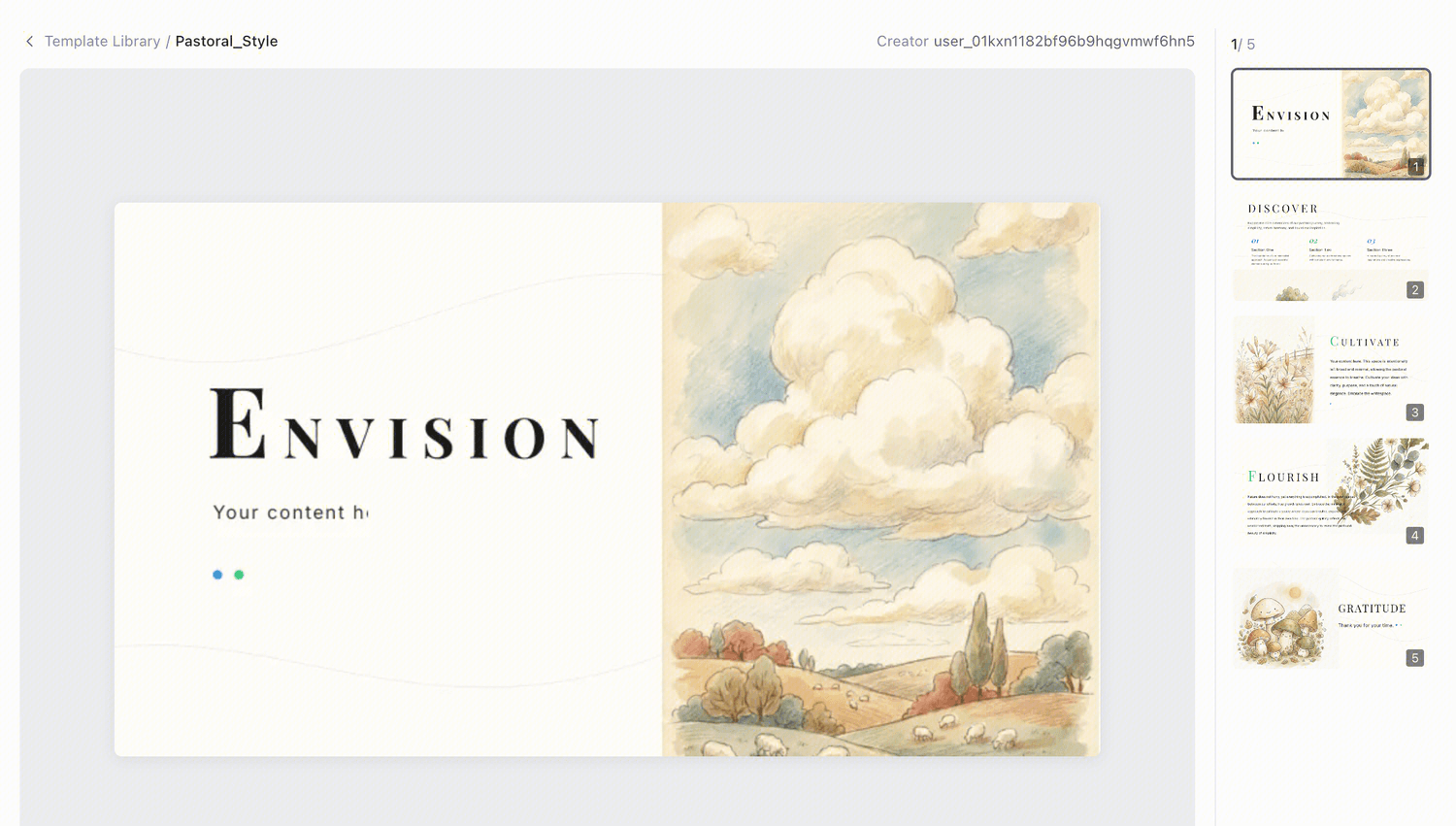 |
| fabel | 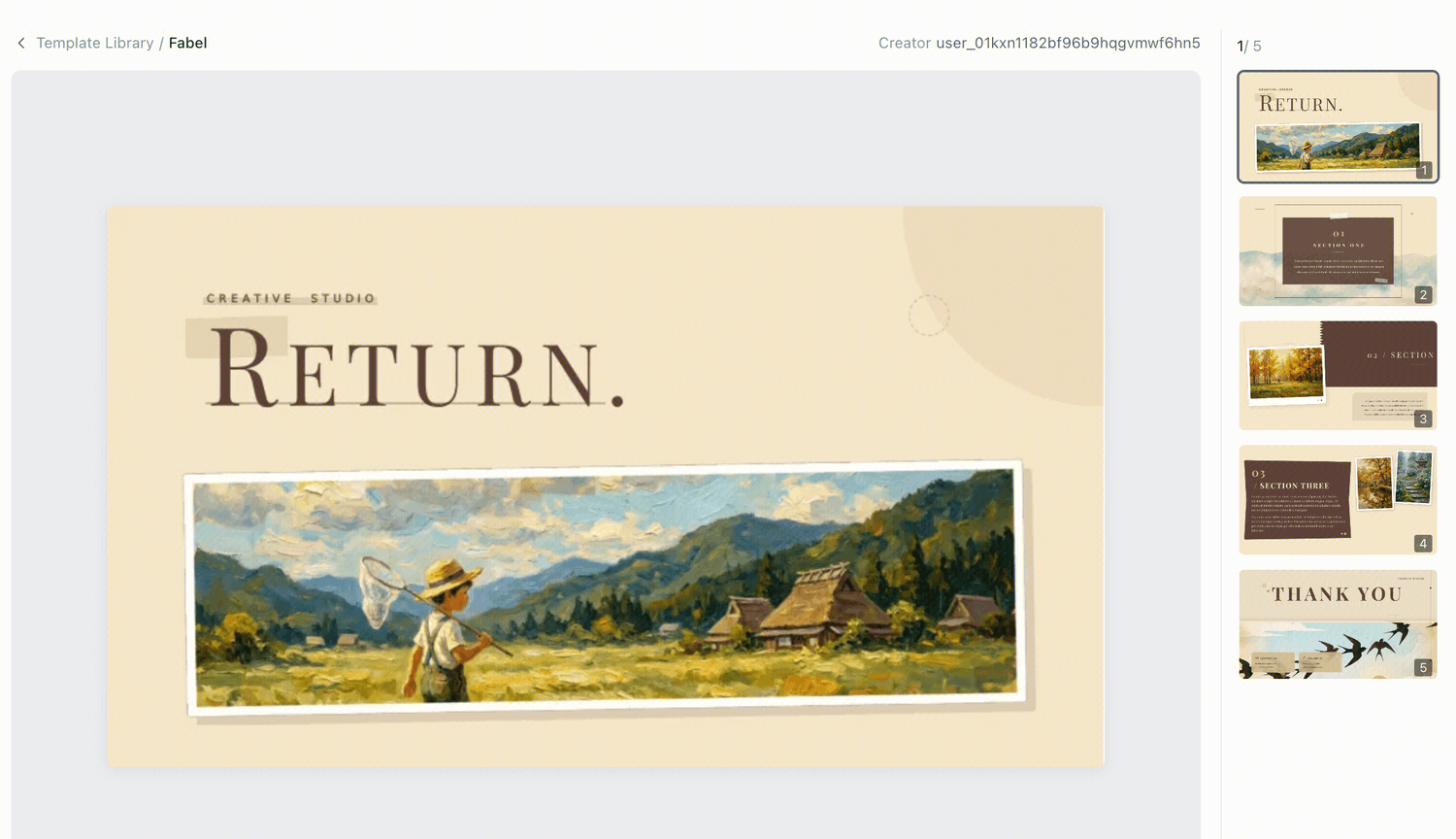 |
| ink art | 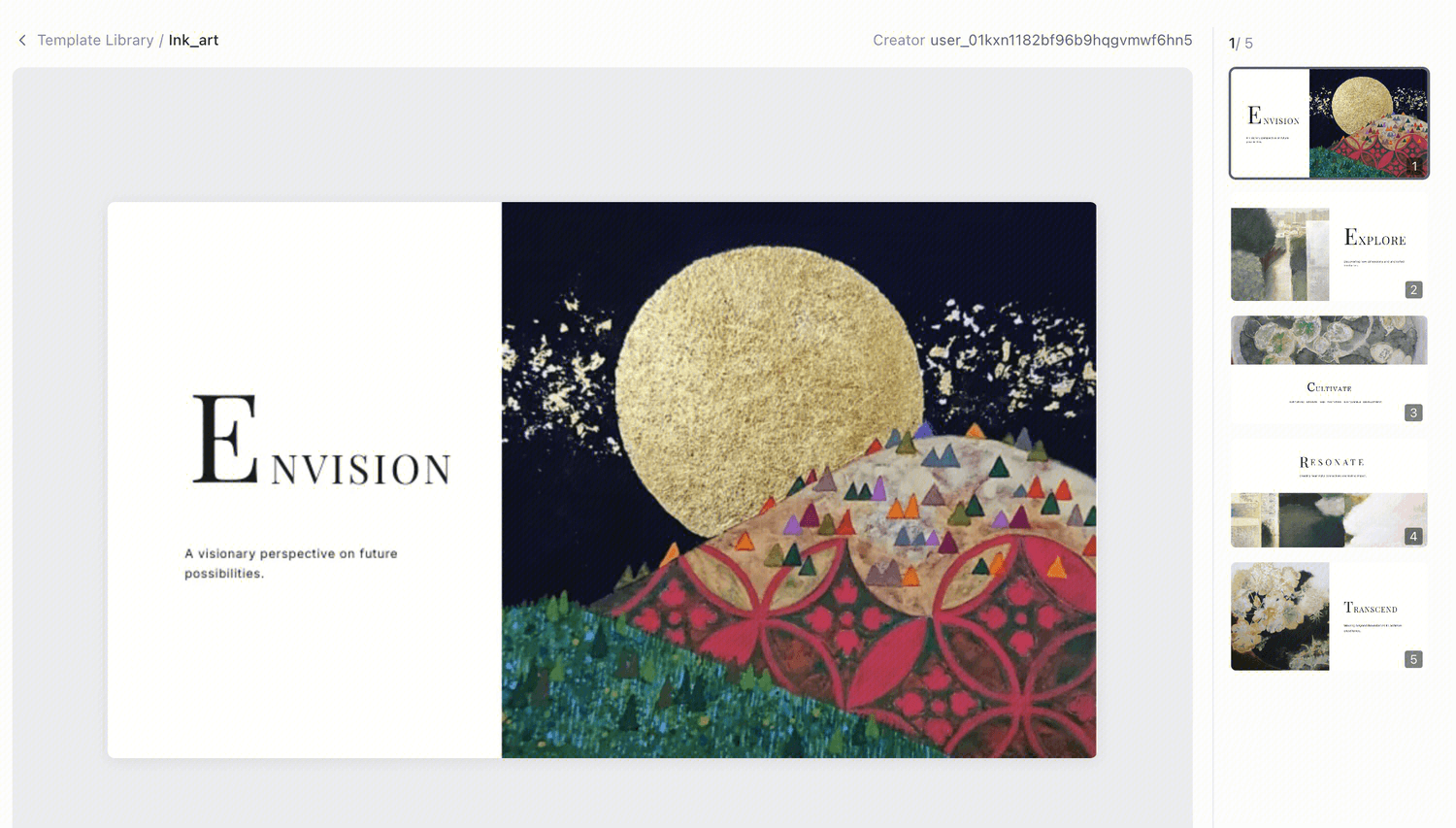 |
| Lumière | 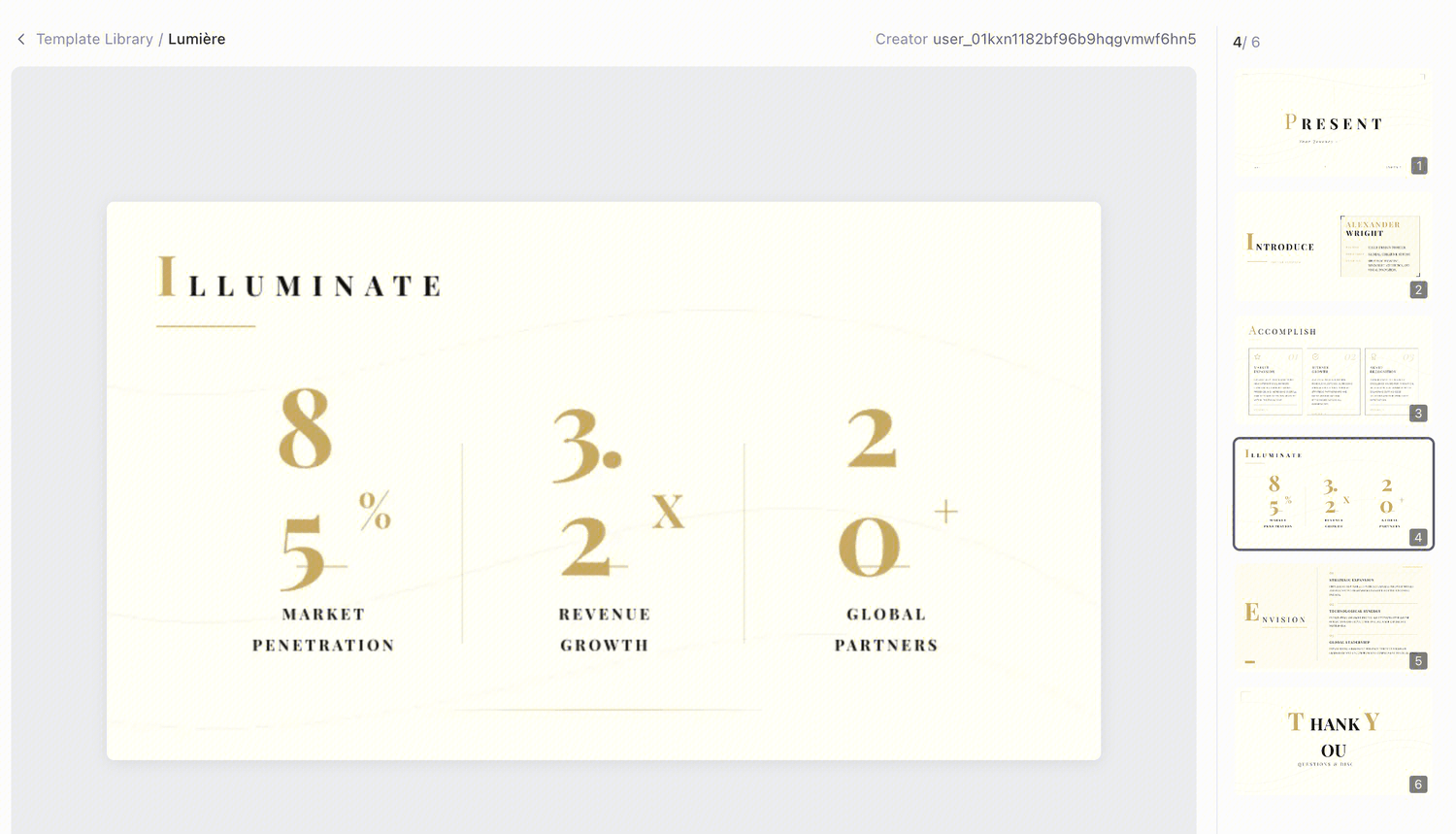 |
| gallery | 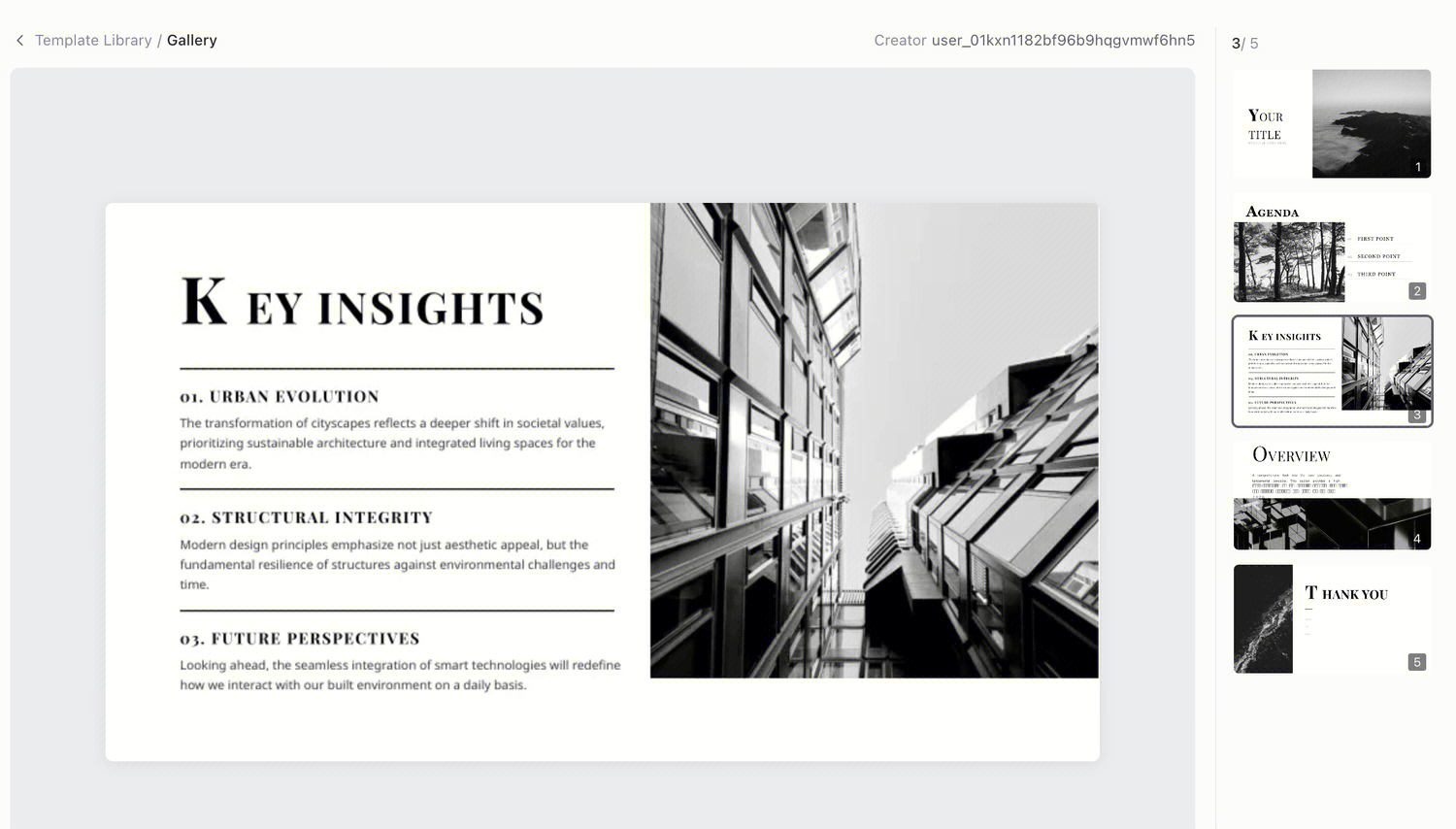 |
Portfolio Presentation Template
For showing your work to a client, an employer, or a review panel. Project-by-project layouts with room for large images, short context, and outcomes. Works for design, photography, architecture, and video.
Best for: designers, freelancers, studios, students applying to programs Use this template →
10 portfolio presentation topics:
| Topic | What to cover |
|---|---|
| Graphic design portfolio for a job interview | Six projects with the brief and the result |
| UX case study presentation | Problem, research, iterations, and outcome |
| Architecture portfolio for grad school | Concept drawings, models, and final renders |
| Photography portfolio by series | Themed sets with a short artist statement |
| Freelance portfolio for client pitching | Relevant work plus services and rates |
| Video and motion reel presentation | Selected frames with links to full pieces |
| Interior design project portfolio | Before, concept, and after for each space |
| Illustration portfolio for publishers | Style range and commissioned examples |
| Student design portfolio review | Coursework with process documentation |
| Agency capabilities and case studies | Team, services, and three proof points |
Brand Guidelines Template
For documenting a visual identity: logo usage, color palette with hex values, typography scale, imagery direction, and do/don't examples. The kind of deck you hand a new team member or an external partner.
Best for: brand designers, marketing teams, agencies Use this template →
10 brand guidelines presentation topics:
| Topic | What to cover |
|---|---|
| 1. Startup brand identity guidelines | Logo, palette, type, and voice basics |
| 2. Logo usage rules and clear space | Correct and incorrect applications |
| 3. Brand color palette and accessibility | Hex values plus contrast requirements |
| 4. Typography system for a brand | Typeface pairing and size hierarchy |
| 5. Brand voice and tone guide | How the brand writes, with examples |
| 6. Social media brand kit | Templates and sizing per platform |
| 7. Photography and imagery direction | Subject, lighting, and editing rules |
| 8. Rebrand rollout guidelines | Migration timeline and asset checklist |
| 9. Sub-brand and product naming system | Hierarchy and naming conventions |
| 10. Partner and co-branding rules | Lockup usage and approval process |
Campaign Proposal Template
For pitching a creative concept: the insight, the big idea, executions across channels, and the rollout plan. Built to make a concept feel considered rather than sketched.
Best for: creative agencies, in-house creative teams, freelancers Use this template →
10 campaign proposal presentation topics:
| Topic | What to cover |
|---|---|
| 1. Product launch creative campaign | Insight, big idea, and channel executions |
| 2. Holiday season campaign proposal | Seasonal hook and promotional calendar |
| 3. Rebranding announcement campaign | Narrative and phased reveal plan |
| 4. Sustainability brand campaign | Claim, proof, and creative platform |
| 5. Back-to-school retail campaign | Audience, offer, and media plan |
| 6. Brand awareness campaign for a new market | Localization and cultural considerations |
| 7. User-generated content campaign | Mechanic, incentives, and moderation |
| 8. Cause marketing partnership campaign | Partner fit and shared messaging |
| 9. Anniversary or milestone campaign | Story angle and activation ideas |
| 10. Sports sponsorship activation campaign | Fan touchpoints and brand integration |
Education presentation templates — lessons, lectures, and academic work
Made for slides people actually have to learn from: clear hierarchy, high contrast, and enough room for explanation rather than fragments.
| name | template |
|---|---|
| chronicles | 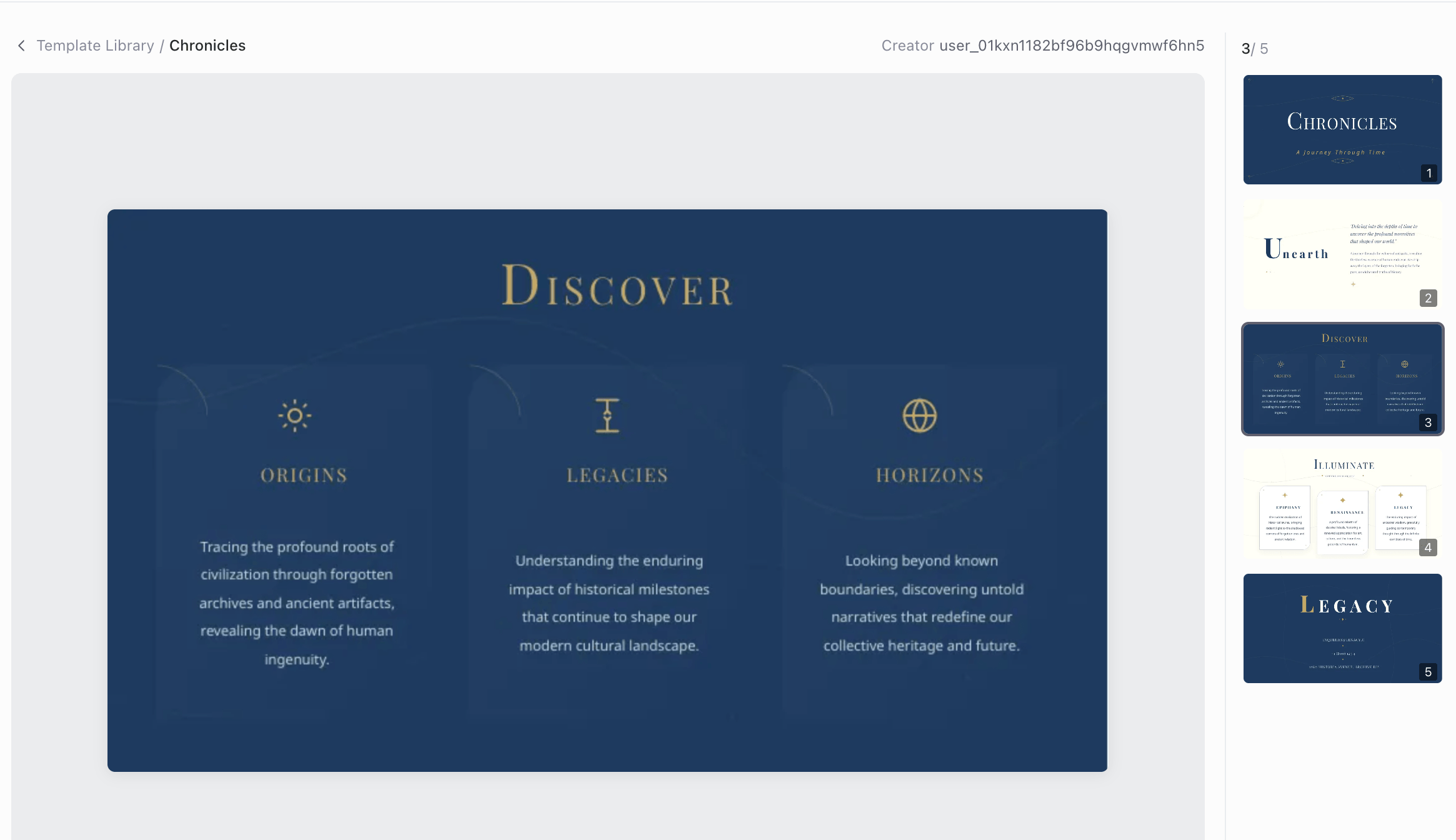 |
Lesson Plan Presentation Template
For a class session: objectives, warm-up, main content broken into digestible sections, activity, and review questions. Legible from the back of the room. Give Cheso your topic and grade level and it drafts the content at the right reading level.
Best for: K-12 teachers, tutors, corporate trainers Use this template →
10 lesson plan presentation topics:
| Topic | What to cover |
|---|---|
| 1. Introduction to the water cycle | Evaporation, condensation, precipitation |
| 2. The parts of speech in English grammar | Each part with examples and practice |
| 3. How photosynthesis works | Inputs, process, and outputs for plants |
| 4. Understanding fractions for beginners | Visual models and simple operations |
| 5. Causes of World War I | Alliances, nationalism, and the trigger |
| 6. Introduction to the solar system | The planets and their key differences |
| 7. Digital citizenship and online safety | Privacy, passwords, and kind behavior |
| 8. The scientific method explained | Each step with a classroom experiment |
| 9. Reading comprehension strategies | Predicting, questioning, summarizing |
| 10. Financial literacy basics for teens | Budgeting, saving, and simple interest |
Thesis Defense Presentation Template
For defending a dissertation or capstone: research question, literature context, methodology, findings, limitations, and contribution. Includes layouts that handle dense figures and tables without crushing them.
Best for: graduate students, PhD candidates Use this template →
10 thesis defense presentation topics:
| Topic | What to cover |
|---|---|
| 1. Master's thesis defense in computer science | Problem, method, experiments, results |
| 2. Psychology dissertation defense | Hypotheses, study design, and findings |
| 3. Public health research defense | Population, intervention, and outcomes |
| 4. Engineering capstone project defense | Design requirements and test results |
| 5. Business administration thesis defense | Framework, data, and managerial implications |
| 6. Education research thesis defense | Context, methodology, and classroom impact |
| 7. Environmental science thesis defense | Field methods, data, and interpretation |
| 8. Literature and humanities thesis defense | Argument, sources, and critical position |
| 9. Nursing research project defense | Clinical question and evidence review |
| 10. Undergraduate honors thesis defense | Scope, findings, and future work |
Research Paper Presentation Template
For turning a paper into a conference talk or seminar presentation. Upload the PDF and Cheso pulls out the structure — problem, method, results, conclusion — and builds slides from it.
Best for: researchers, academics, R&D teams Use this template →
10 research paper presentation topics:
| Topic | What to cover |
|---|---|
| 1. Presenting a machine learning paper | Architecture, benchmarks, ablations |
| 2. Clinical trial results presentation | Design, endpoints, and statistical findings |
| 3. Systematic literature review presentation | Search strategy and synthesis |
| 4. Conference talk on a published paper | Ten-minute version of the full argument |
| 5. Journal club paper discussion | Method critique and takeaways |
| 6. Lab meeting research progress update | What worked, what didn't, next steps |
| 7. Case study research presentation | Context, analysis, and generalizability |
| 8. Survey and questionnaire study results | Sample, instrument, and key correlations |
| 9. Replication study presentation | Original claim versus your findings |
| 10. Grant progress report presentation | Aims, milestones met, and budget status |
Pitch deck and proposal templates — investors, clients, and partners
These decks have one job: get a decision. Tight structure, one idea per slide, and the numbers where people expect to find them.
| name | template |
|---|---|
| fresh organic | 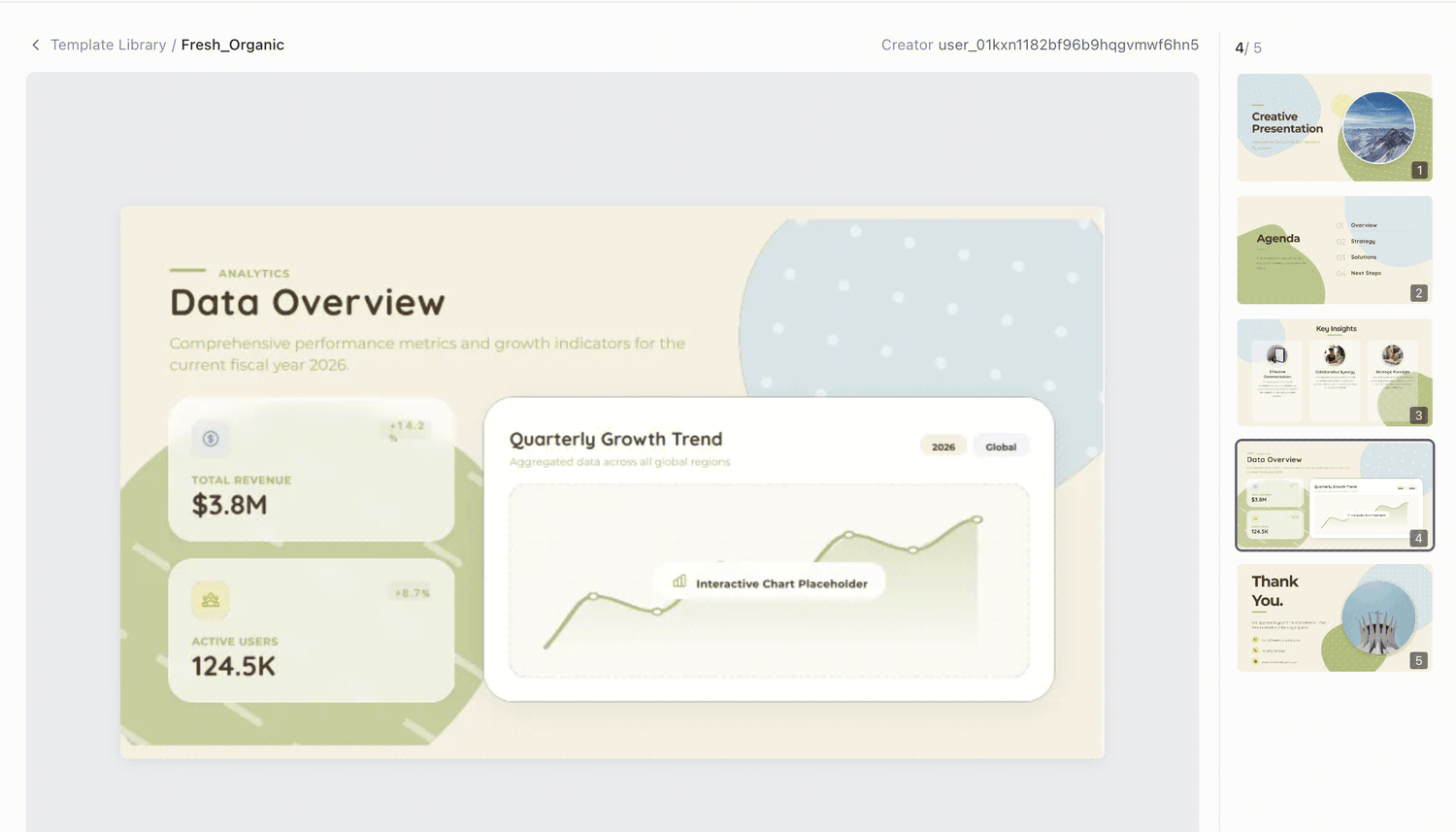 |
| chromatic edge | 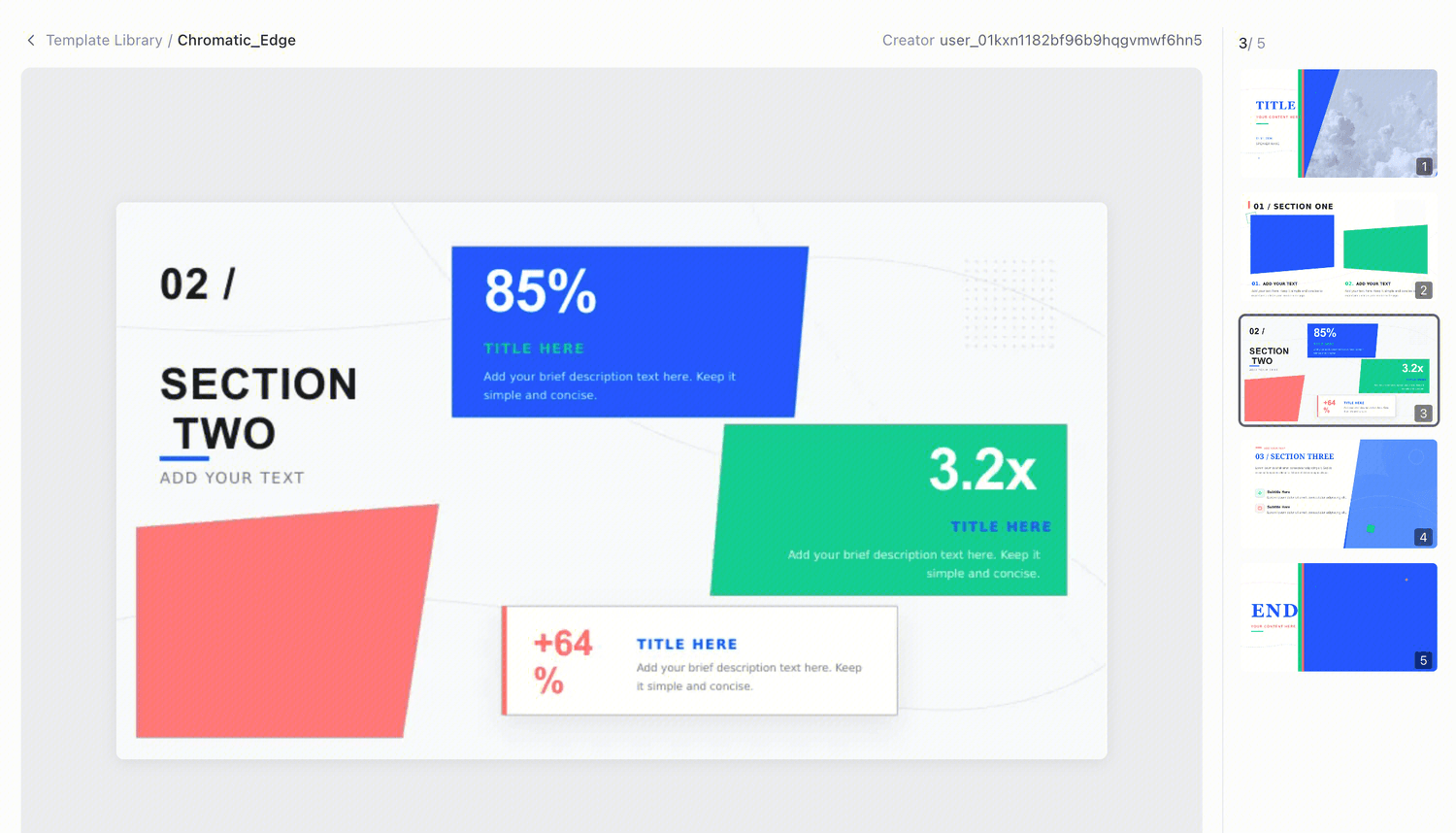 |
Startup Pitch Deck Template
The standard investor sequence: problem, solution, market size, product, traction, business model, competition, team, and the ask. Roughly a dozen slides, because that's what gets read.
Best for: founders raising pre-seed through Series A Use this template →
10 startup pitch deck topics:
| Topic | What to cover |
|---|---|
| 1. Pre-seed pitch deck for an AI startup | Problem, wedge, and why now |
| 2. Seed round pitch deck for a SaaS company | ARR, retention, and growth motion |
| 3. Series A pitch deck with traction metrics | Unit economics and scale plan |
| 4. Marketplace startup pitch deck | Supply and demand liquidity story |
| 5. Fintech startup investor pitch | Regulatory position and risk model |
| 6. Healthtech startup pitch deck | Clinical validation and reimbursement path |
| 7. Consumer app pitch deck | Acquisition loops and engagement data |
| 8. Hardware startup pitch deck | Manufacturing plan and margin structure |
| 9. Climate tech startup pitch | Impact model and policy tailwinds |
| 10. Accelerator application pitch deck | Team, traction, and the 90-day plan |
Business Proposal Template
For proposing paid work to a client: their problem, your approach, scope, timeline, pricing, and why you. Structured to make the price feel like a conclusion rather than a surprise.
Best for: consultants, agencies, freelancers, B2B sales Use this template →
10 business proposal presentation topics:
| Topic | What to cover |
|---|---|
| 1. Website redesign proposal for a client | Scope, phases, deliverables, price |
| 2. Digital marketing retainer proposal | Monthly services and expected outcomes |
| 3. Management consulting engagement proposal | Diagnostic approach and workplan |
| 4. Software development project proposal | Requirements, stack, and timeline |
| 5. Brand identity design proposal | Process, rounds, and deliverable list |
| 6. IT managed services proposal | Coverage, SLAs, and pricing tiers |
| 7. Training and workshop proposal | Curriculum, format, and outcomes |
| 8. Video production proposal | Concept, shoot plan, and budget |
| 9. Staffing and recruitment services proposal | Search process and fee structure |
| 10. SEO services proposal for a small business | Audit findings and 6-month plan |
Sponsorship Proposal Template
For asking a brand to fund an event, team, or program: audience reach, exposure and activation opportunities, tiered packages, and past results. Includes an audience-metrics layout.
Best for: event organizers, nonprofits, community and sports programs Use this template →
10 sponsorship proposal presentation topics:
| Topic | What to cover |
|---|---|
| 1. Conference sponsorship proposal | Attendee profile and package tiers |
| 2. Youth sports team sponsorship request | Community reach and jersey branding |
| 3. Music festival sponsorship deck | Audience data and activation zones |
| 4. Charity gala sponsorship proposal | Cause story and donor visibility |
| 5. Esports tournament sponsorship | Stream metrics and brand integrations |
| 6. Podcast sponsorship proposal | Listener demographics and ad formats |
| 7. University event sponsorship request | Student reach and recruiting value |
| 8. Marathon or race sponsorship deck | Participant numbers and course branding |
| 9. Local community festival sponsorship | Foot traffic and vendor opportunities |
| 10. Nonprofit program sponsorship proposal | Impact metrics and reporting cadence |
Which template should you pick?
If you're between options, sort by what the deck has to accomplish:
| Your situation | Start with |
|---|---|
| Recurring internal update | Monthly Report or QBR |
| Asking someone for money | Startup Pitch Deck, Business Proposal, or Sponsorship Proposal |
| The visuals are the substance | Portfolio or Campaign Proposal |
| People need to learn from it | Lesson Plan or Research Paper |
| Getting a team aligned | Project Kickoff |
| Documenting standards for others | Brand Guidelines |
And if none of them fit: skip the template entirely. Describe what you need and let Cheso design it from scratch — templates are a shortcut, not a requirement.
Using your own template instead
If your company has a mandated deck template, you don't have to choose from this page. Upload your .pptx and Cheso will map generated content onto it — your colors, your fonts, your cover layout.
Two things that matter in practice:
- It's free. Most AI presentation tools put custom template upload behind a paid plan. This doesn't.
- It won't rewrite your text. Ask it to restyle a deck you've already written and it changes the design only. If your phrasing has been through legal, or through your manager, that matters more than any design feature.
What you can do after generating
The template gets you a first draft. The rest is editing, and it all happens in the browser:
- Rewrite any element with an instruction — "make this headline punchier," "cut this to three bullets" — or format it manually: font, size, spacing, color, links
- Regenerate a single page without touching the rest of the deck
- Add pages mid-flight from a one-line description or a built-in layout
- Roll back to any earlier version — useful when version five turns out worse than version two
- Edit diagrams as real vector shapes, including after you export to PowerPoint
Then export: PPTX with layered, editable elements and the background on the slide master; PDF with no watermark; or HTML to host anywhere or embed in a site.
Start with any template above
Pick a design, describe your topic, and you'll have a draft in about three minutes. Everything is free and nothing gets watermarked.